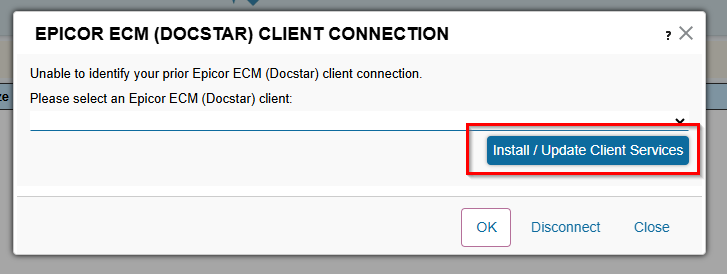
Click on the Capture Tab, then click on the words “No Epicor ECM (Docstar) clients available.” This will prompt you to download the client.
Click Install/Update Client Services.
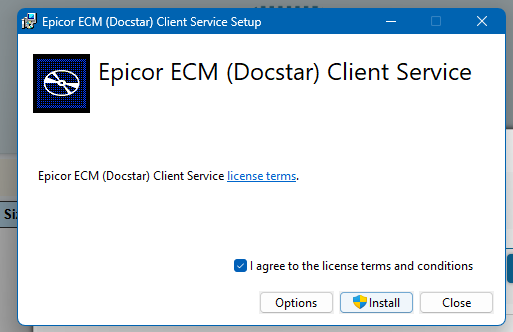
Click Agree box & then click Install.
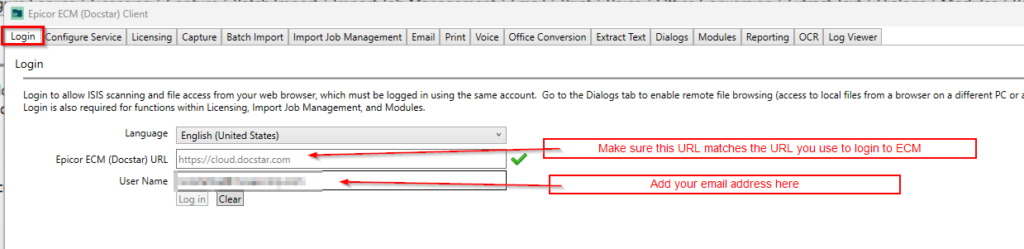
Once installed, the user should login on the “Login” tab. Make sure the URL matches your company’s URL you use to login to ECM.
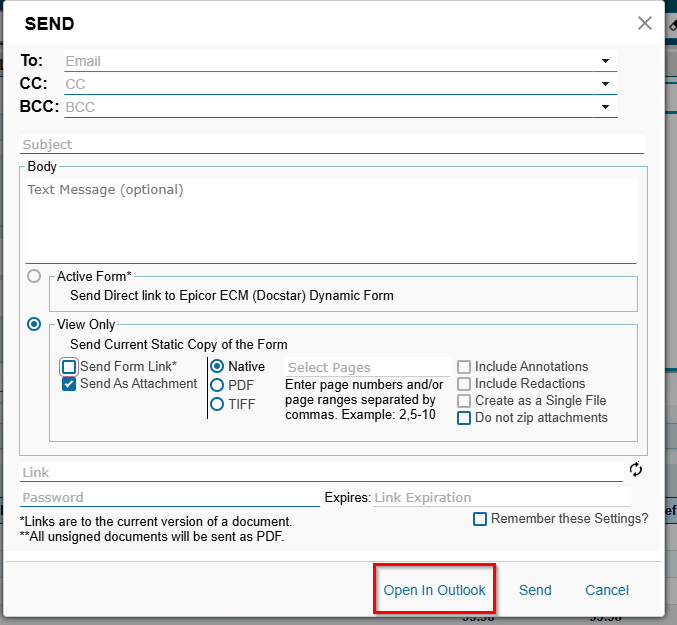
Once logged in, open a document. Click the actions menu, click Share, click Email. You can now click “Open in Outlook” and it will open an Outlook email from the user with the document attached.